
Create a family tree with your family's photos for free, no sign-up needed. Each person appears in an oval frame, with their first and last name written in an arc just below. Then download the PDF in A4 or US Letter landscape, ready to print, frame or give as a gift.
“Who’s that in the photo?” A tree with faces speaks to children far more than a list of names. It’s also an easy gift for grandparents, a family party or a birthday.
Which photos should you choose?
Front-facing photos, where the face is clearly visible. You can crop each photo directly in the tool: drag it to center the face, and use the slider to zoom in. Old family photos work very well: photograph or scan them, then add them. JPG, PNG and WebP formats (30 MB max) are accepted.
What does the tree look like?
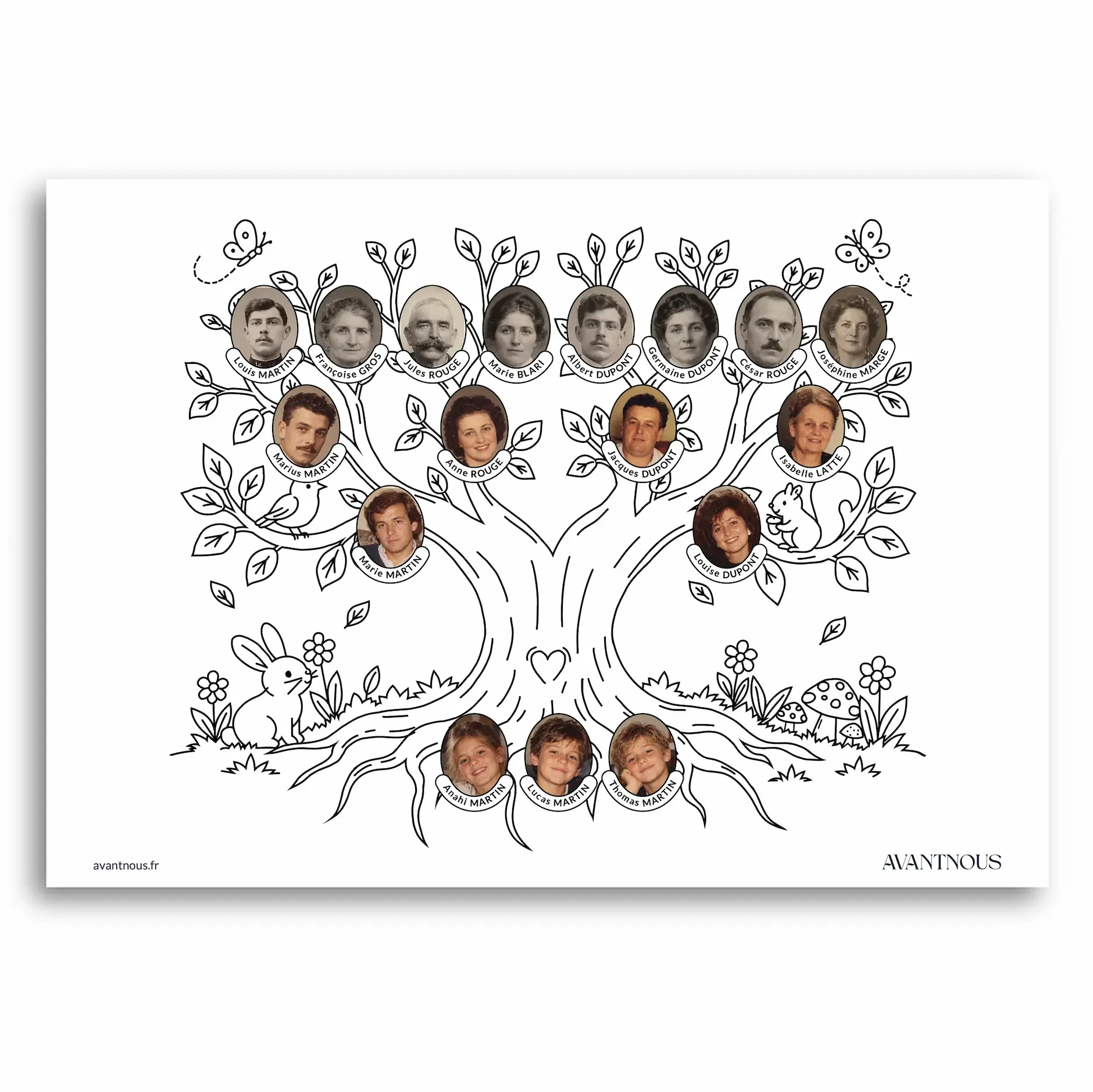
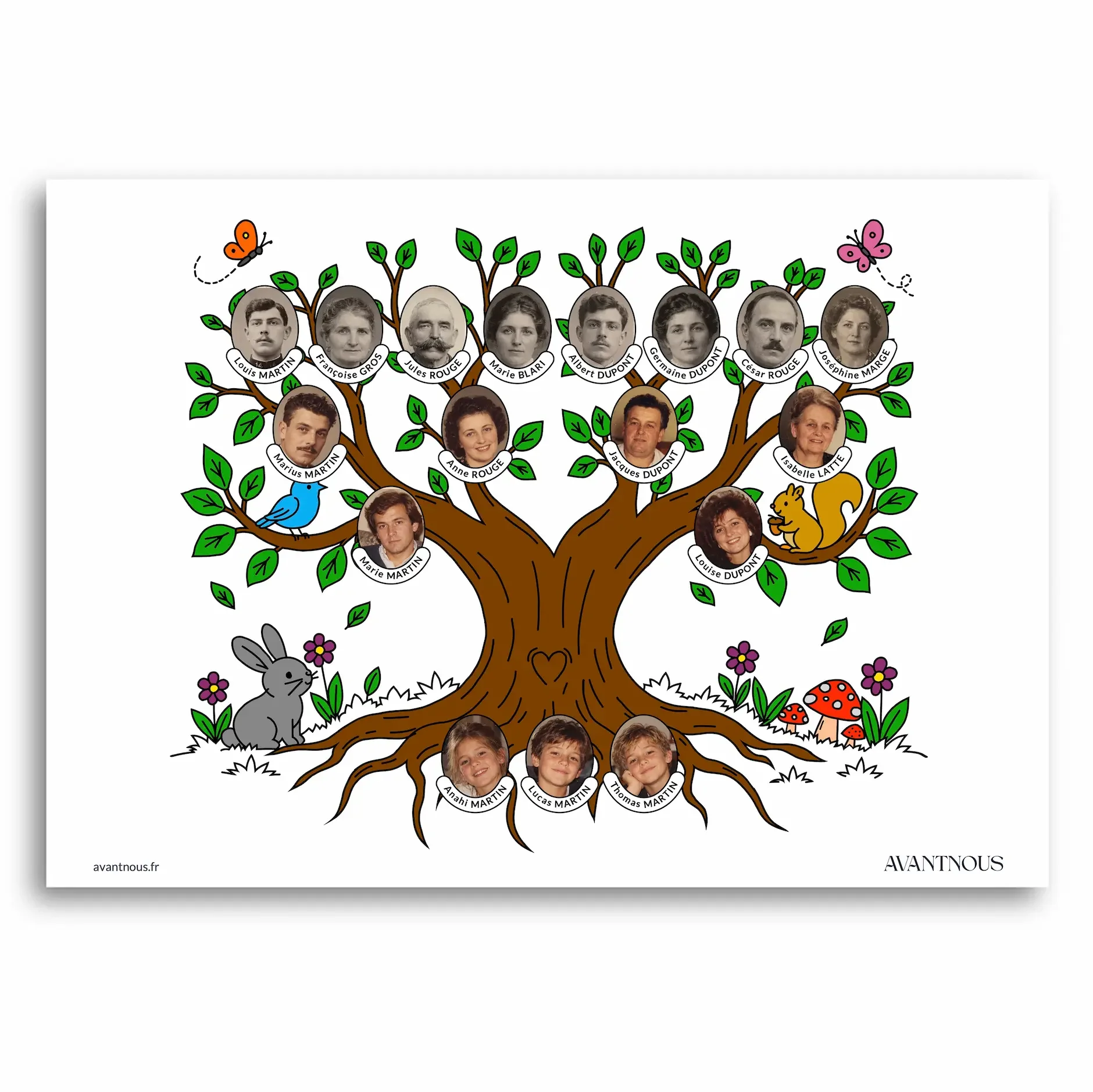
The tree has 14 people on the branches (parents, grandparents, great-grandparents) and up to six children on the roots. You can add a title on the ribbon, for example “The Martin Family”, change the colors of the tree and choose from several handwriting styles.
- Add the photosDrag or choose a photo for each box, then center the face.
- Fill in the boxesFirst name, last name and, if you like, a year and a place.
- CustomizeA title, a font (including children's handwriting), colors.
- Download the PDFA4 or US Letter landscape, with a 10 mm margin, handy for a frame.
Your photos stay on your device, in your browser: we never receive them. Download the PDF to keep your tree.
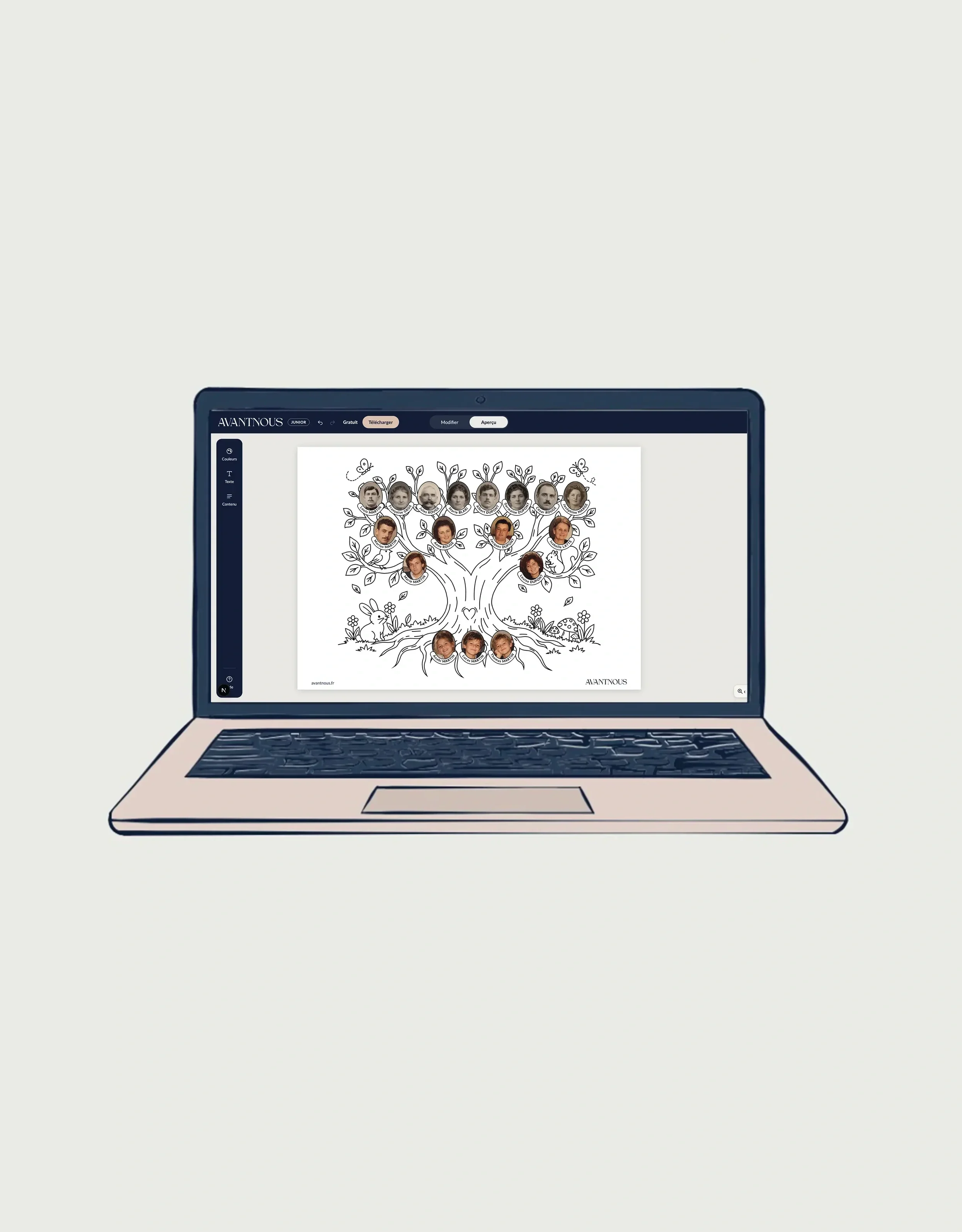
Ready to create your tree online for free?
Version française : Arbre généalogique avec photos : le créer et l’imprimer
