
Linden is a hand-illustrated family tree in vector format: the line stays sharp, from A4 to poster size. Its roots version adds roots to place your descendants. You fill it in online and customize it, from 4 to 8 generations. You then download a PDF ready to print and frame.
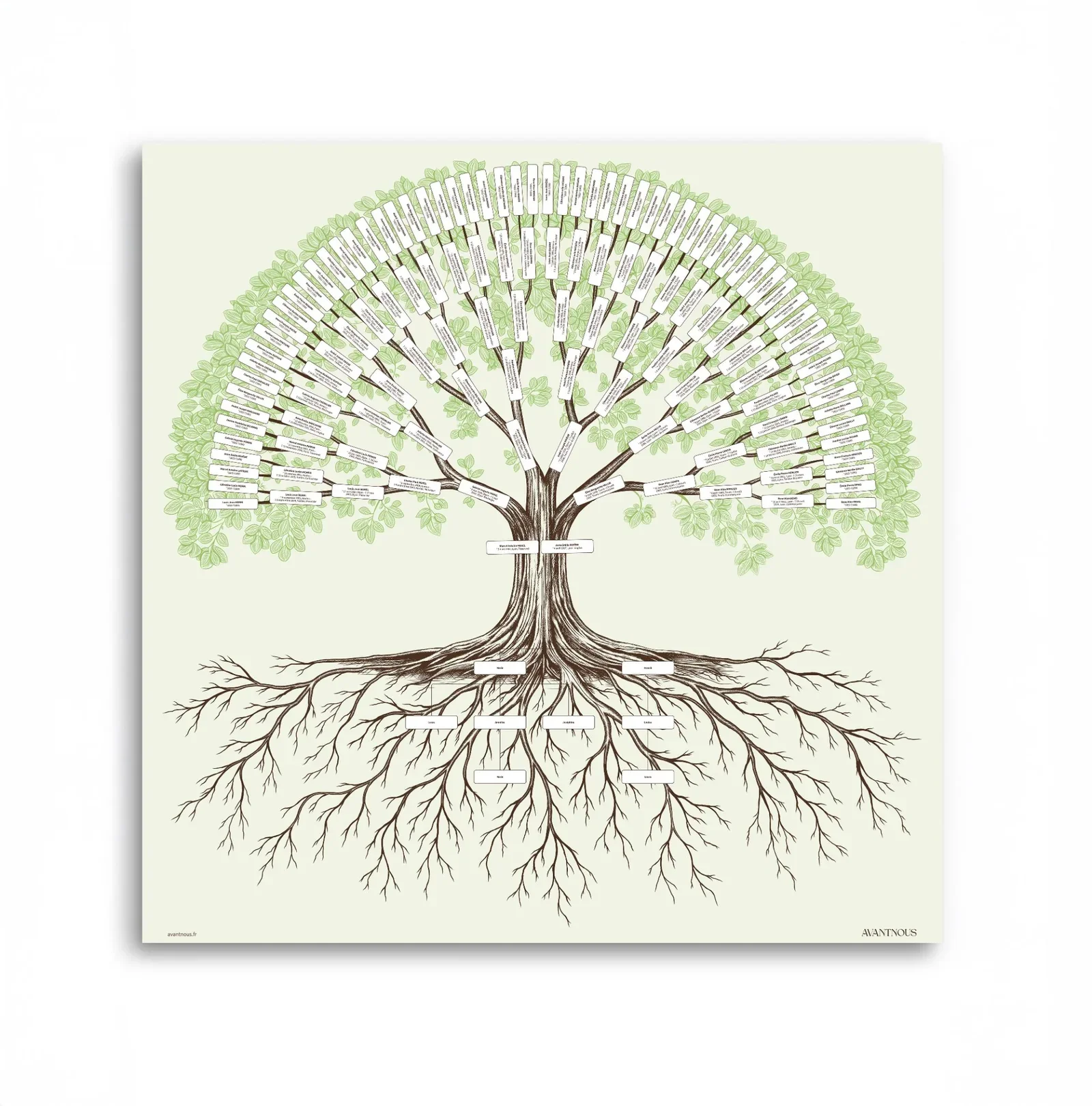
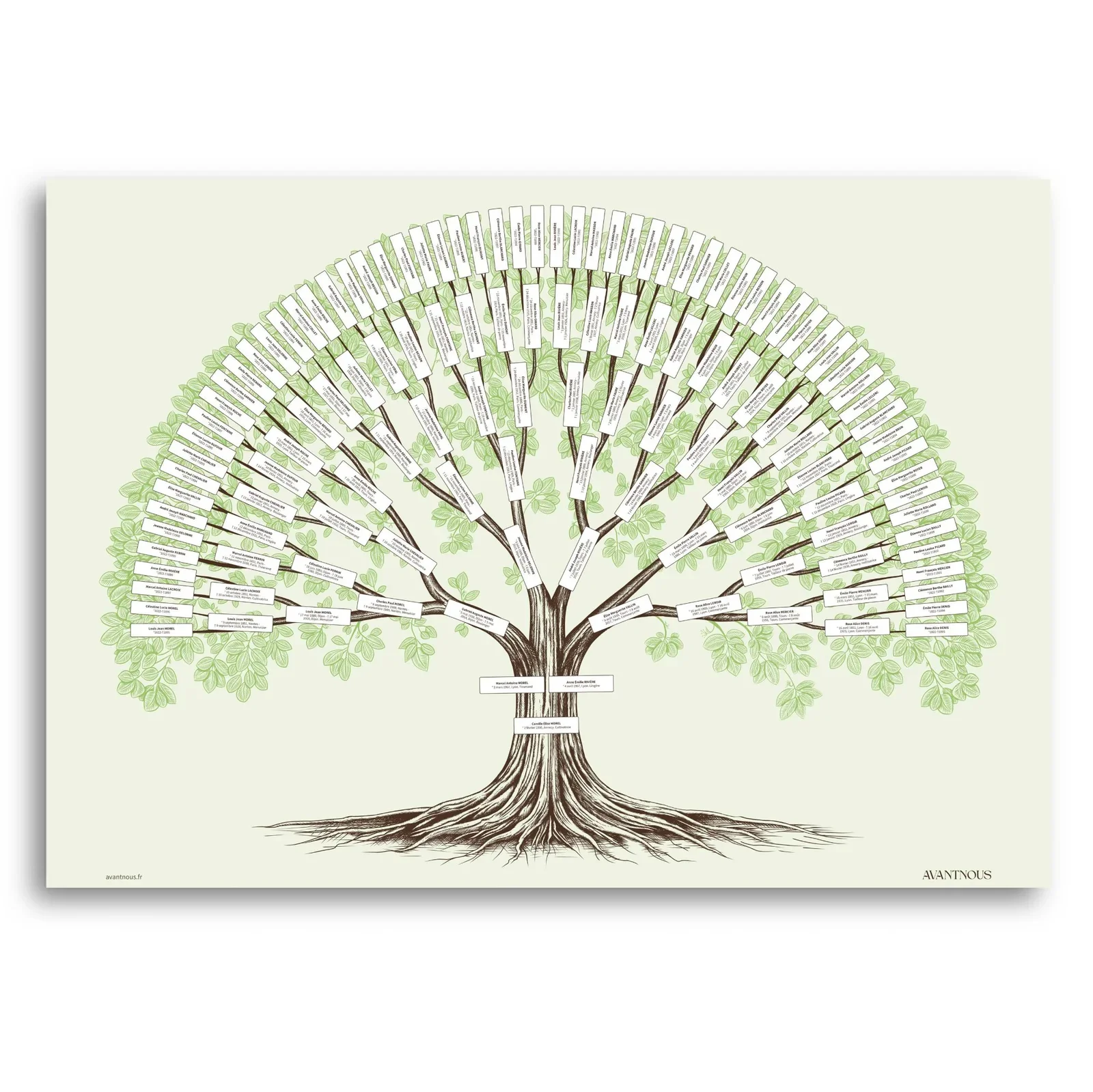
A beautiful family tree is not a table with boxes. It’s a drawing you want to hang on your wall and share. Our illustrated trees are drawn by hand, they stay sharp from small to large formats, and you fill them in online in a few minutes.
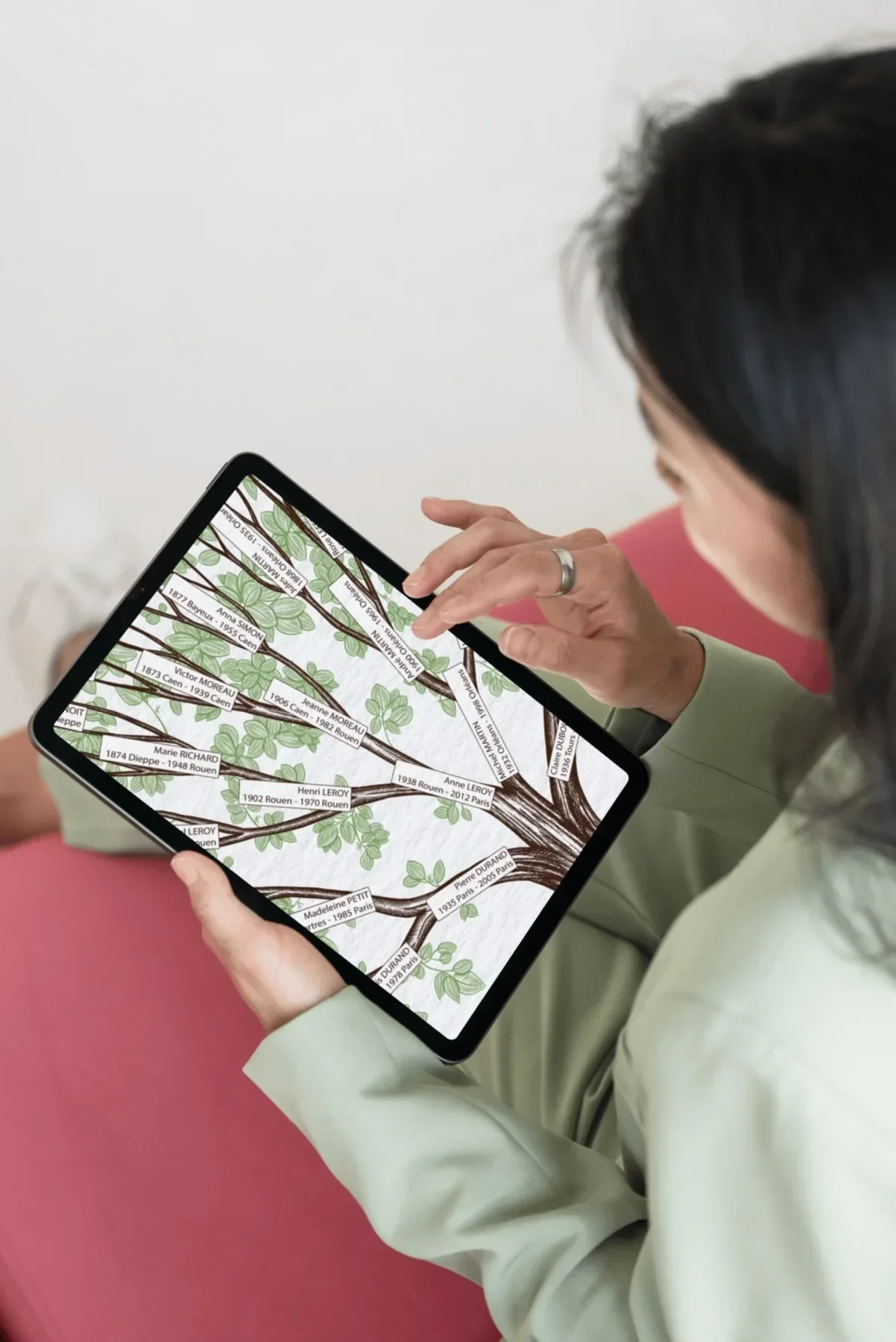
A hand-drawn, vector tree
Linden is drawn on a tablet, stroke by stroke: the hatching on the trunk, the veins of every leaf, the roots. A vector drawing is built with curves, not pixels. The result: the tree stays sharp whether you print it in A4 or in a large format. No blur, no visible pixels on the leaves or the names, even up close.
A tree you fill in and customize online
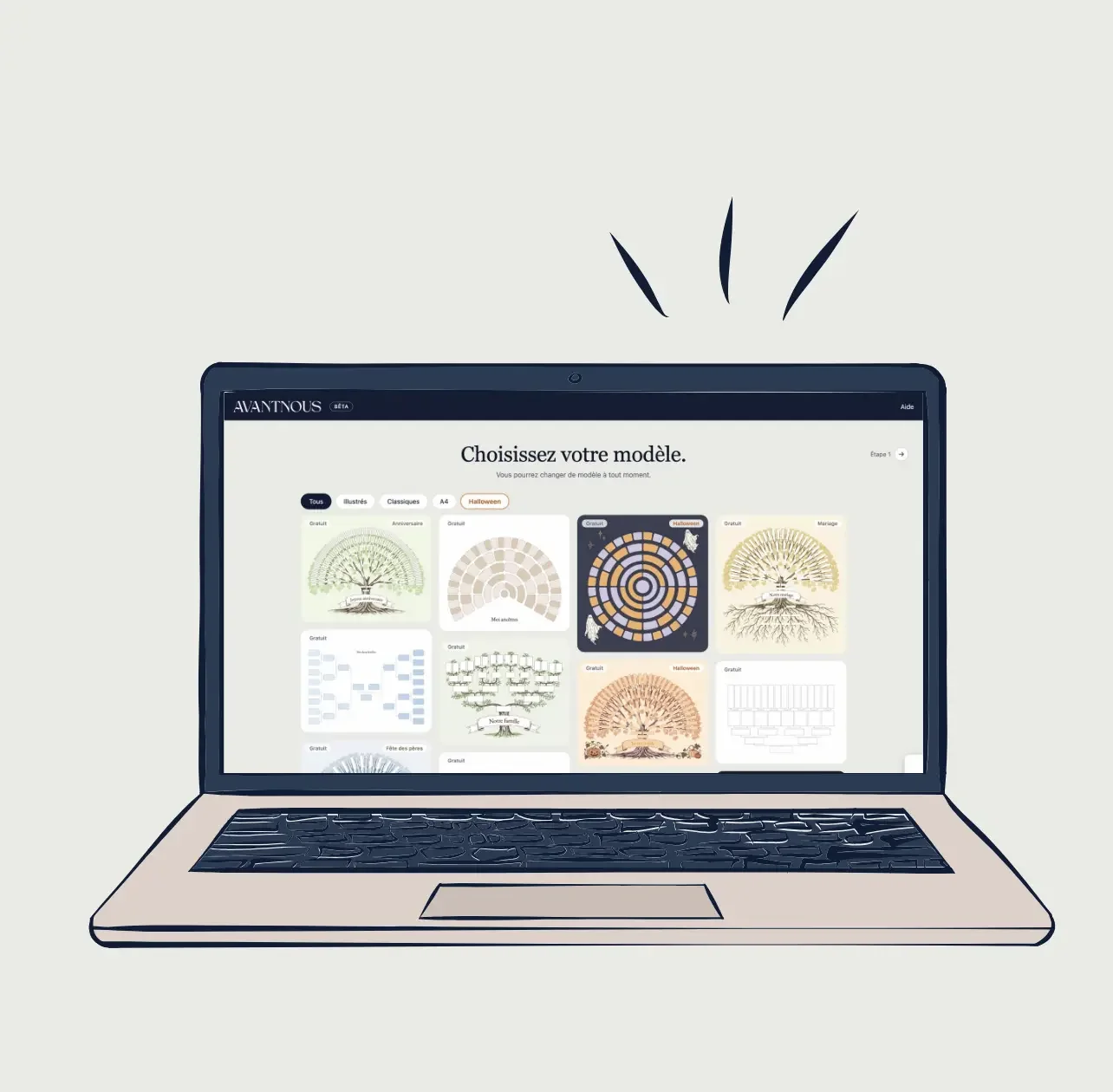
You choose the model, enter your ancestors in the boxes on screen or import a GEDCOM file, and the tree updates before your eyes.
You can customize the title, the colors, the font and the layout of the names, and the information displayed for each person.
- Choose your modelLinden, or another hand-illustrated tree, from 4 to 8 generations.
- Fill it in onlineEnter your ancestors on screen, or import a GEDCOM file if you have one.
- CustomizeA title, colors, a typeface, and the information you want to display.
- Download the PDFVector, sharp at every size, ready to print in large format.
What is a hand-illustrated family tree?
It is a family tree drawn as a tree (trunk, branches, roots) where each person has a place. It contains the same information as a classic chart, with a look made to be hung on a wall or given as a gift.
What is the difference between linden and linden with roots?
Roots is the linden with roots added. The drawing and the ancestors are the same; the roots hold your descendants.
Is the Tilleul really drawn by hand?
Yes, it is drawn on a tablet, stroke by stroke. It is not a model put together from ready-made images.
What does “vector” mean?
A vector drawing is made of curves rather than pixels. It stays sharp when enlarged, from A4 to poster size, and the text stays legible.
Is it difficult to fill in?
No. Everything is done online: you click a box and enter the name, the dates and the place. No drawing software is needed, and you see the result on screen before downloading.
Can I customize my family tree?
Yes: the names, the title, the colors, the typeface, and the dates, places and occupations displayed.
How many generations can I display?
From 4 to 8 generations, for the Tilleul as well as for Racines. That means from 15 to 255 people.
Can I import my GEDCOM file?
Yes, you can import a GEDCOM file, or enter the names by hand on screen. To find out how far back you can search, read our guide to tracing your family back through the archives.
Which size should I choose for framing?
The size depends on the number of generations. For the Tilleul: 4 generations in A4 (29.7 × 21 cm), 5 in A3 (42 × 29.7 cm), 6 in A2 (59.4 × 42 cm), 7 in A1 (84.1 × 59.4 cm) and 8 in A0 (118.9 × 84.1 cm). Racines is square, with the long side of those sizes: from 29.7 × 29.7 cm for 4 generations to 118.9 × 118.9 cm for 8. Choose a scale of 100%, without “Fit to page”. For a large format (A1, A0, Racines with 7 and 8 generations), go to a print shop: the PDF is made for it. A matte paper avoids reflections behind the glass.
Ready to create your illustrated family tree?
Version française : Arbre généalogique illustré à la main, personnalisable
